
Android App Development in Oman: How to Plan a Business App
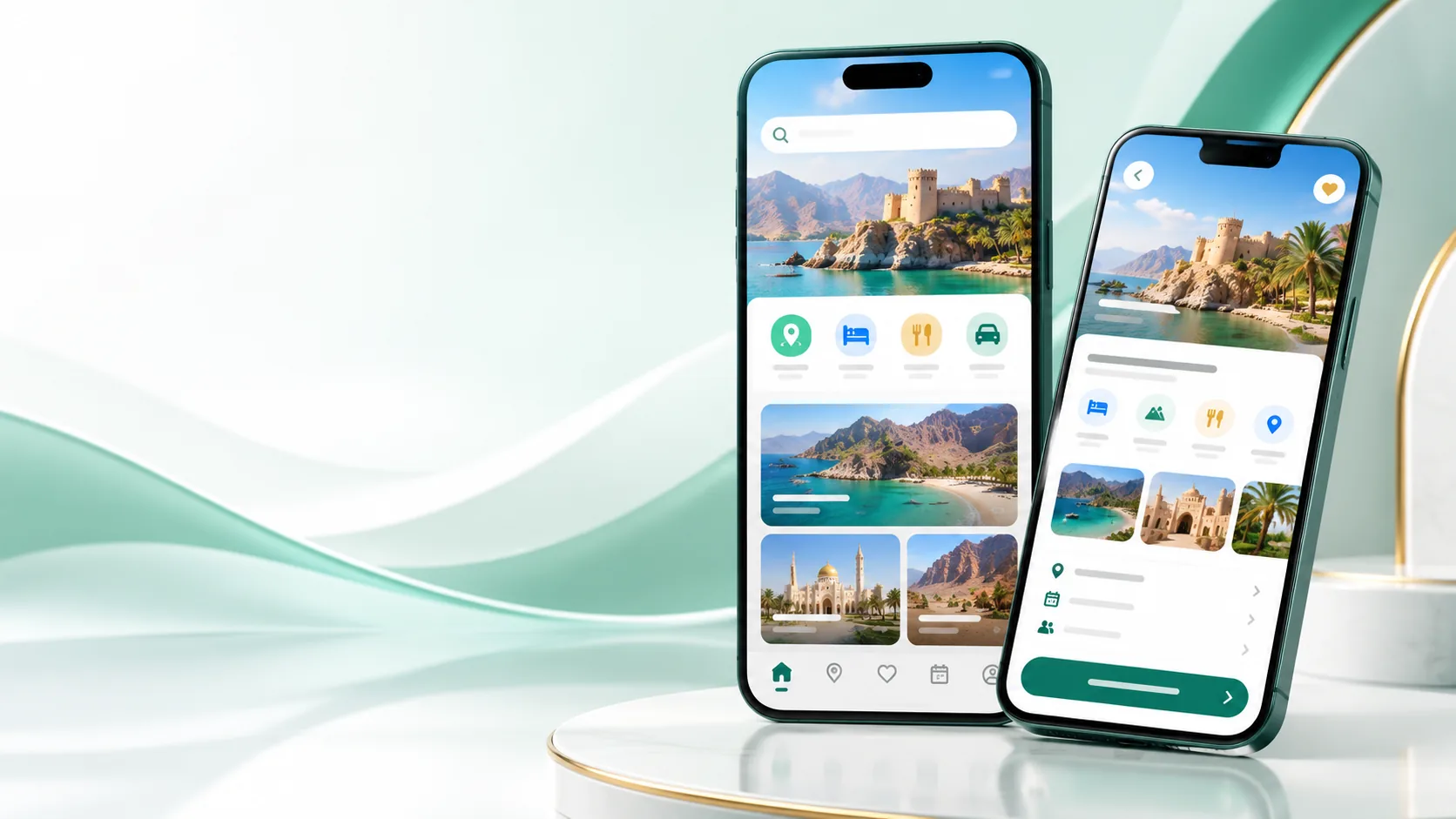
A business guide to Android app development in Oman: product scope, native and cross-platform choices, integrations, testing and Google Play release planning.
Start with a user problem and a complete journey
An app should make a useful task easier for a specific group of people. Examples include customers booking a service, field staff recording a visit, or account holders checking a request. Describe the user, what starts the task, the information they need, and what a successful finish looks like. A one-page journey is more useful at the start than a long list of features with no clear priority.
Choose native Android or cross-platform deliberately
Native Android development can provide direct access to Android platform capabilities and a focused Android codebase. Cross-platform frameworks can support Android and iOS from a shared codebase, which may suit a product that needs both platforms and has compatible requirements. The choice depends on device features, performance expectations, user experience, team skills, release plans, and long-term maintenance. Compare the implementation against the product requirements rather than assuming one approach is always cheaper or better.
Plan the backend and integrations early
Many apps depend on more than the interface. Sign-in, customer records, payments, booking, inventory, notifications, and reporting may involve an existing website or business system. Decide which system owns each important data item, how the app authenticates a user, and what should happen when a service is unavailable. Integrations need permission, error handling, and testing; they should be scoped before visual design is finalized.
Design for Oman’s language and operating context
If customers use Arabic and English, plan the content, language selection, right-to-left screens, mixed-direction text, and customer support in both languages. Confirm which services need connectivity and whether any task must work temporarily offline. Test on representative Android devices and screen sizes rather than relying on one development phone. App permissions should be requested only when a feature needs them and explained in plain language.
Test the complete app, including failure paths
Test sign-up, password recovery, permissions, slow connections, interrupted payments, expired sessions, notification preferences, and data synchronization. Check that the app does not display a success message before the server confirms the action. Ask users unfamiliar with the design to complete the main journey and note where they hesitate. Resolve critical problems before release, then maintain a plan for operating system changes and security updates.
Prepare for Google Play and ongoing ownership
A release needs a tested production build, store listing, screenshots, privacy disclosures, support contact, and a process for responding to review feedback. Keep the organization’s developer account and signing credentials under business control. Plan who monitors crashes, handles user questions, updates content, and approves future releases. An app is an ongoing product with operating responsibilities after the initial launch. Explore our mobile application development service and read the mobile app cost planning guide.
Have a related project in mind?
Share your requirements with Dastgir IT Services and discuss practical next steps for your business in Oman.
Prepare a realistic Android feature brief
For each proposed feature, describe the user, the action, the data involved, and what success or failure looks like. Separate features that support the core journey from ideas that can wait. Include account roles, notifications, language support, and any device feature such as camera or location. This brief helps an Android app developer identify permissions, backend needs, and risks before estimating the work.
Make privacy and device permissions understandable
Request access to location, camera, contacts, or notifications only when a feature needs it. Explain the purpose near the point of request and ensure the app still behaves sensibly when permission is declined. Protect authentication tokens and customer data, use secure server connections, and avoid placing sensitive business rules in the mobile client where they can be exposed.
Agree how app success will be reviewed
Choose product measures linked to the app’s purpose, such as completed bookings, successful service requests, or fewer manual steps for staff. Review crashes, failed requests, abandoned journeys, and support questions as well. Avoid collecting analytics that are not needed. A periodic product review can distinguish a feature that needs refinement from one that users do not need.
Set user roles and account recovery rules
List who can use the app and which records each role may see or change. Plan registration, sign-in, verification, account recovery, and account deletion before development. Test how a person changes a phone or loses access. If the app is for both staff and customers, consider whether separate experiences or permissions are needed to keep sensitive business information private.
Decide how the app behaves with weak connectivity
Field teams and customers may encounter an interrupted connection. Identify which screens need current server information and which actions can be drafted or queued safely. Show a clear state when data is stale or an action has not yet reached the server. If offline use is not a requirement, explain the limitation and make retry behavior understandable instead of silently losing a user’s work.
Plan release ownership and support capacity
The business should control its Google Play account, signing assets, source repository, and essential service credentials. Name the people who approve store updates, monitor support messages, and decide whether an urgent fix is required. Budget for operating system updates and dependency maintenance. A reliable release process reduces the chance that a routine change depends on an unavailable individual.
Use user testing before store publication
Invite a few representative users to complete realistic tasks using a pre-release build. Observe where they hesitate, misunderstand labels, or need help. Test both normal use and interrupted requests such as a lost connection or expired session. Fix issues that block a core task before launch, then keep a way to collect feedback after publication.
Frequently asked questions
How do I choose an Android app developer in Muscat?
Ask how the team will understand the user journey, select the platform, secure data, test on devices, prepare the store release, and support the app after launch. Review relevant work and the proposed scope.
Should I build Android only or Android and iOS?
Choose based on your users, business case, required device capabilities, and the cost of maintaining each platform. A cross-platform approach may be appropriate when both platforms are needed.
Can an Android app connect to my company website or CRM?
It can when the website or CRM exposes a suitable API and the integration is designed with authentication, permissions, error handling, and data ownership in mind.
Discuss your project with Dastgir IT Services
Share your goals, current process and required features to discuss a project scope for your business in Oman.
Related Articles
 Mobile Development
Mobile App Development for Businesses in Oman: Planning, Features, and Benefits
How to define a focused first version of your mobile app, validate demand, and avoid spending on features customers do not need yet.
 Mobile Apps
Building Cross-Platform Mobile Applications with Flutter for GCC Markets
How Flutter delivers native iOS and Android performance at a fraction of the traditional development timeline.
 Web Development
Website Development Cost in Oman: A Complete Business Guide
Transparent pricing guide for website development in Muscat — from basic business sites to complex web applications, with real Omani market rates.